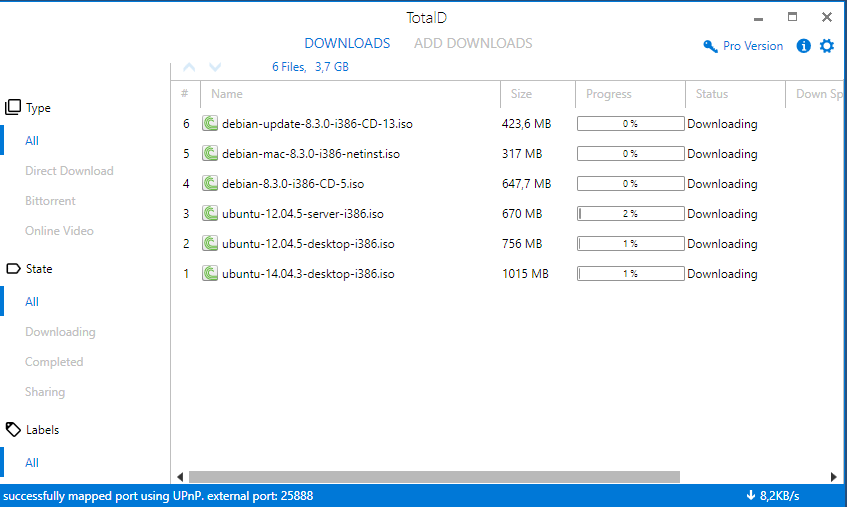
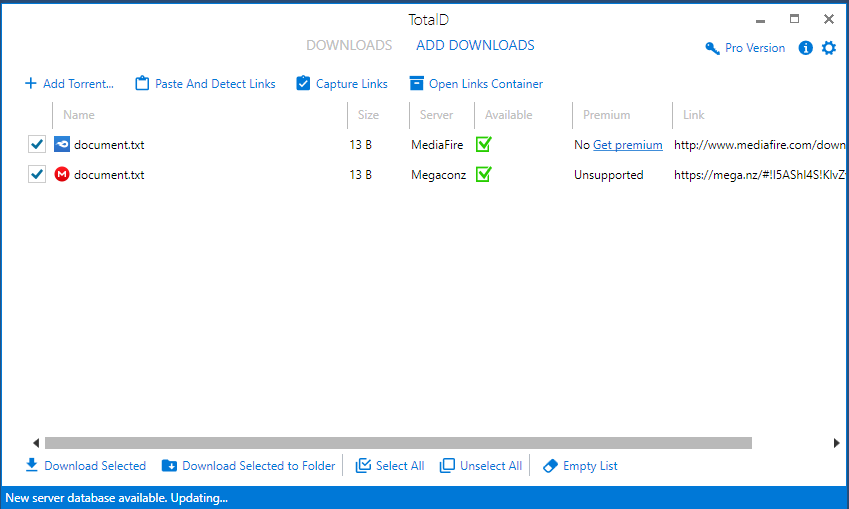
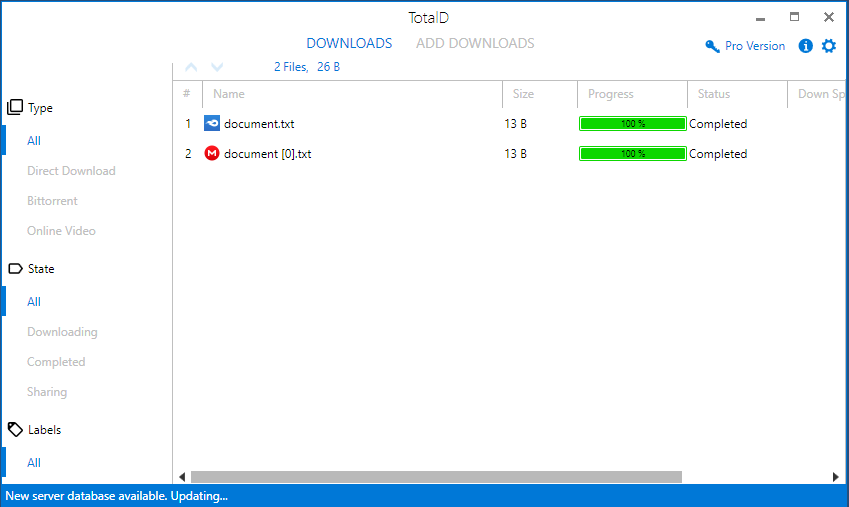
Download torrents on your computer with TotalD
TotalD handles torrent files and magnet links with support for the latest BitTorrent protocol extensions.
Torrent is one of the most common protocols for file sharing. TotalD is a BitTorrent client that can download torrent files and magnet links.
TotalD manages your .torrent files to download and share them automatically. From the Options window you can set upload and download speed limits, the number of torrents in the queue, connection limits and many other options.
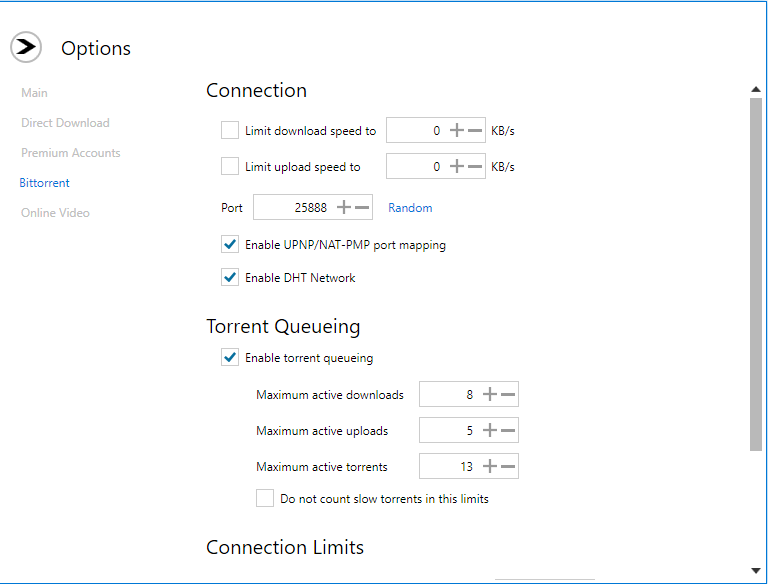
BitTorrent features supported by TotalD
- Protocol extensions: uTP, BitTorrent Extension Protocol, PeX, DHT, IPv6, Multitracker Extension, Local Peer Discovery and UDP Tracker Protocol.
- Automatic request queue to improve download speed.
- NAT-PMP and UPnP support for automatic port mapping on routers.
- Efficient CPU and memory usage, plus disk caching.
- Implementation based on Libtorrent.
- Automatic upload slots that adapt to peers' download capacity and optimize the download rate.
Fast guide to downloading torrents
- Step 1
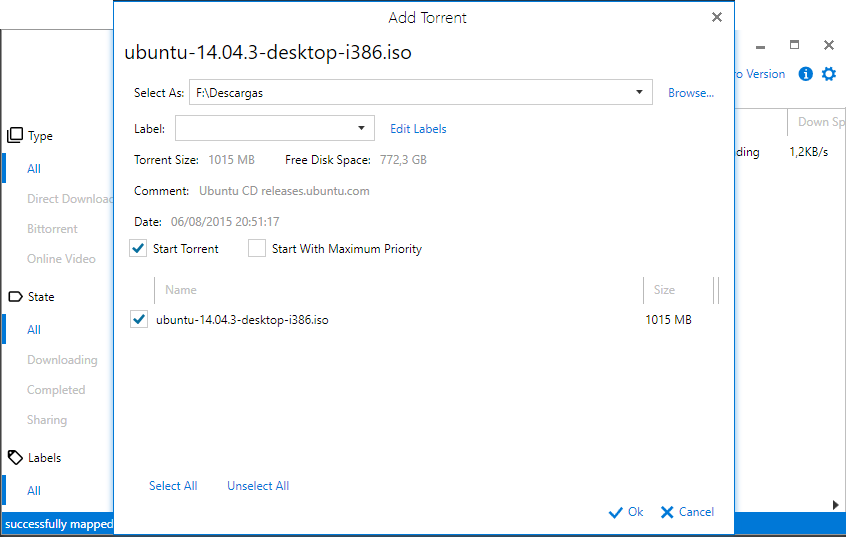
Click a magnet link on a website. TotalD will open the “Add torrent” window, where you can configure the download parameters and choose the destination folder. Accept to add the torrent to the Downloads screen.
- Alternative
Download the torrent file and double-click it. TotalD and the “Add torrent” window will open automatically. Accept to add the file to the Downloads screen.